
Isometric Voxel Art
Isometric voxel art uses block-like forms on an angled grid to make compact scenes feel dimensional. Use this hub to understand the style, open the online builder, and learn a practical scene-building workflow without mixing it into the Minecraft Blueprint or Draw tools.
Create in the builder
Open the live canvas to place terrain, props, water features, plants, and buildings on an isometric grid.
Open BuilderRead the guide
Learn how terrain, footprints, object categories, camera controls, saving, and PNG export work together.
Read GuideCompare voxel tools
See how this scene builder compares with voxel editors, AI voxel tools, and open-source voxel projects.
Compare ToolsPrint an image as voxel relief
Upload a picture, choose a forming method, and watch a virtual printer build the colored voxel model layer by layer.
Open Relief PrinterWhat you can create
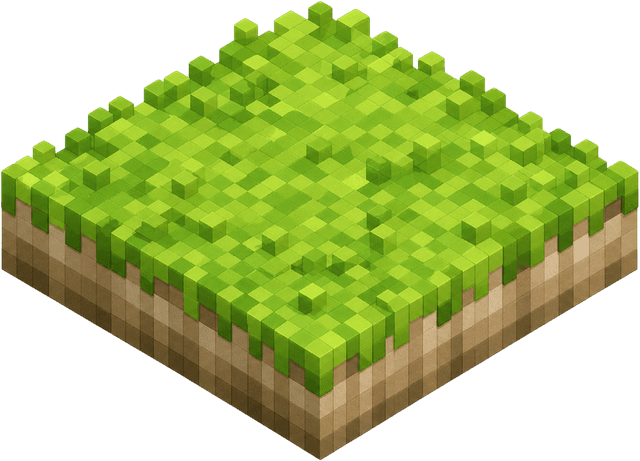
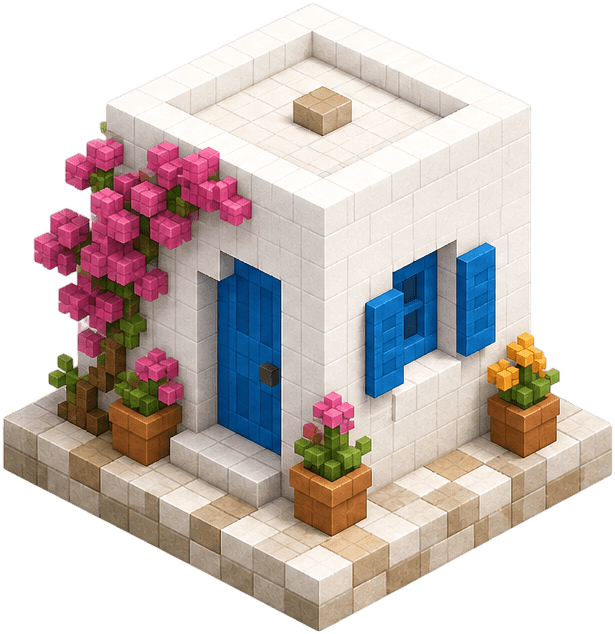
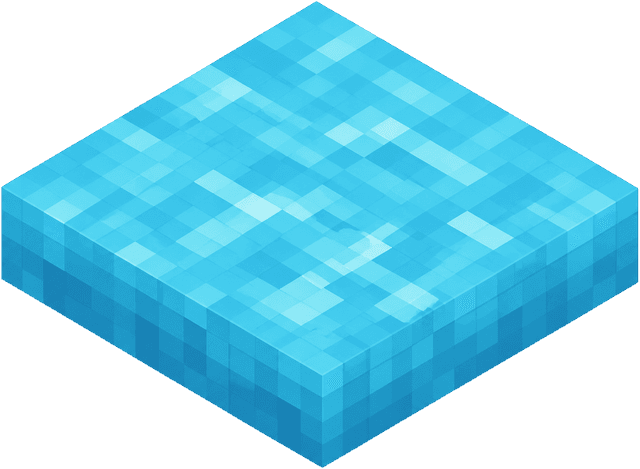
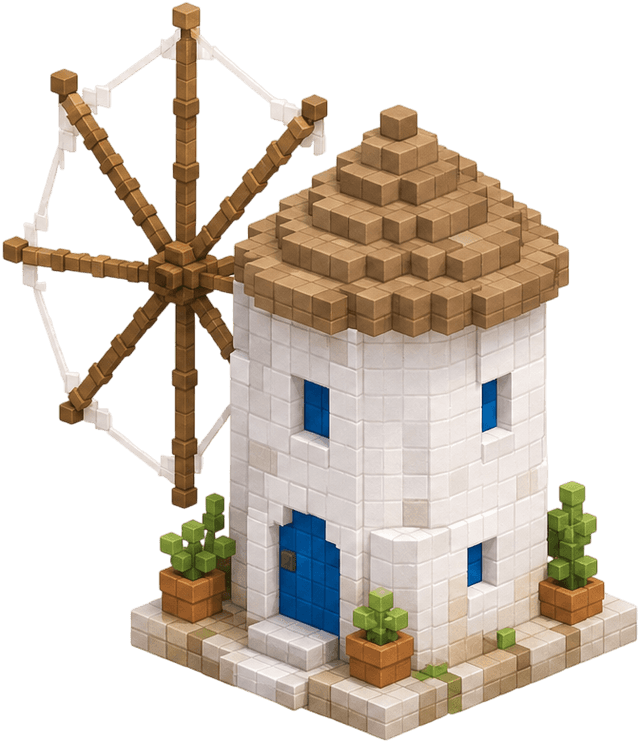
The current builder focuses on small island-style scenes: terrain tiles, paths, water edges, plants, props, and buildings. It is best for visual exploration, scene references, and quick layout ideas.
Island scene sketches
Voxel mood boards
Exportable references
How the workflow fits together
Use the overview to understand the topic, the builder to create, and the guide when you need specific placement or control instructions. Start with a small terrain base, add a focal object, then save the scene and export a PNG when the composition is ready.
- 1Start with the overview when you are learning the style or arriving from search.
- 2Open the builder when you want to create an isometric voxel art scene immediately.
- 3Use the guide when placement, grid controls, saving, or PNG export needs explanation.
FAQ
What is isometric voxel art?
Isometric voxel art is a block-like 3D visual style drawn on an angled grid so scenes look dimensional while staying compact and tile-based.
Can I create isometric voxel art online?
Yes. The builder lets you create small isometric voxel art scenes online by placing terrain, objects, water features, plants, and buildings directly in the browser.
Is this the same as the Minecraft pixel art editor?
No. This isometric voxel art area is separate from the Minecraft Blueprint and Draw editors, which focus on Minecraft blocks and build planning.
What should I use the guide for?
Use the guide when you need placement instructions, control explanations, workflow tips, and answers about saving or exporting scenes.