
Isometric Voxel Art Builder Comparison
Compare lightweight isometric voxel art builders, advanced voxel editors, AI voxel platforms, and open-source toolchains. The goal is not to rank every tool with one score, but to choose the right workflow for scene composition, model editing, or asset generation.
Quick recommendation
Use this builder when your job is to compose a small isometric voxel art scene in the browser. Choose a pro voxel editor when you need modeling depth, file formats, layers, or engine pipeline work. Choose an AI voxel tool when generation and iteration matter more than direct hand placement.
Choose our builder when
- You want a quick isometric voxel art scene, not a complex 3D modeling workspace.
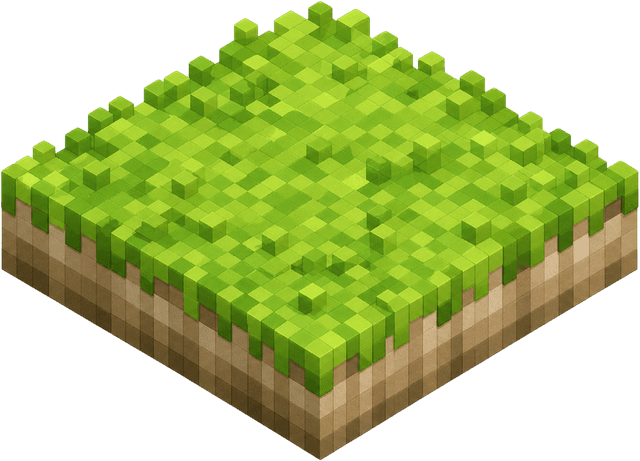
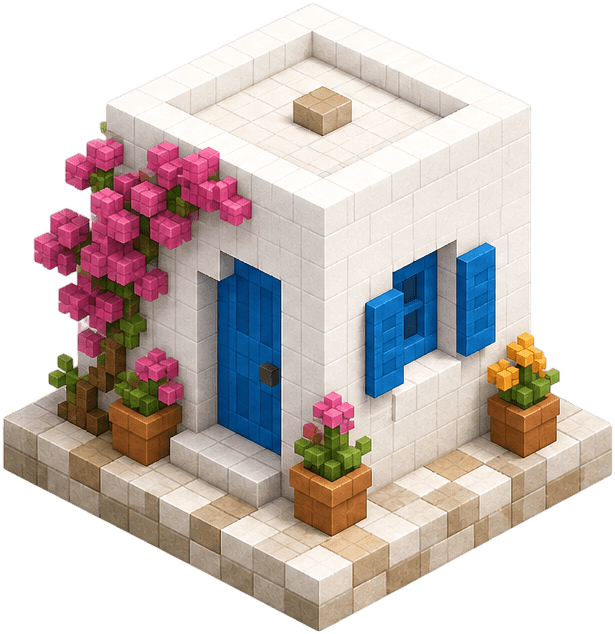
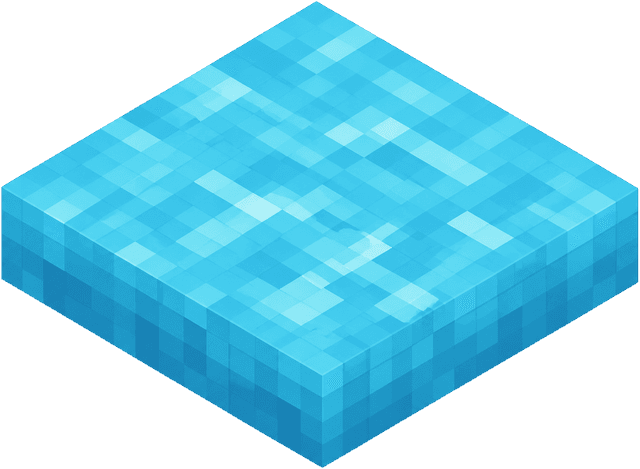
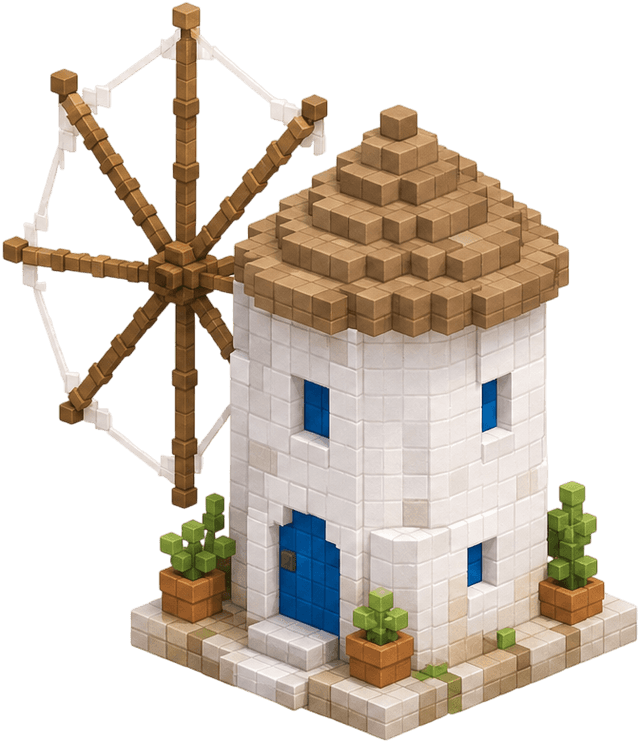
- You need terrain, props, plants, water, and buildings in one browser canvas.
- You only need local saving and PNG export for a reference or concept image.
Choose a pro voxel editor when
- You need layers, dense voxel editing, .vox import/export, or asset pipeline control.
- You are building production game assets rather than a small visual scene.
- You expect advanced modeling tools over a guided scene-composition palette.
Choose an AI voxel tool when
- Your starting point is a text prompt, image, or generated asset idea.
- You want animation or automated model variation before manual cleanup.
- You are evaluating AI-assisted asset production rather than hand placement.
Tool-by-tool comparison
The comparison below separates creative intent from feature lists. A simple browser builder can be the better choice for a scene sketch, while a full editor is the better choice for production voxel assets.
Isometric Voxel Art Builder
Our browser scene builder
Fast isometric island scene composition
- - No account or install
- - Terrain and object palettes
- - Local save and PNG export
Not a full 3D modeler and does not export .vox files.
Mykonos Island Voxels
Original reference project
Small themed island scenes and inspiration
- - Open-source MIT project
- - Mobile-friendly controls
- - Large themed asset set
A standalone reference app, not a broad voxel editor or SEO content hub.
Never Everland
Advanced isometric voxel editor
Professional layered voxel editing
- - Layer-oriented editing
- - .vox import and export
- - High-performance 3D workflow
More powerful than a lightweight scene toy, so the learning curve and intent are different.
VoxiGen
AI voxel creation platform
AI-assisted voxel models, animation, and broader asset generation
- - AI generation workflow
- - Animation features
- - Multiple export-oriented use cases
Best for AI asset creation rather than direct manual isometric scene layout.
Goxel
General voxel editor
Cross-platform voxel modeling
- - Open-source editing workflow
- - Desktop and WebGL availability
- - General voxel modeling controls
Less focused on guided isometric scene composition.
vengi Voxel Tools
Voxel toolchain
Voxel editing, conversion, scripting, and technical workflows
- - Tool suite approach
- - Format and pipeline depth
- - More technical control
Better for toolchain work than quick browser-based scene sketching.
VoxelDraft
General online voxel builder
Simple 3D block building in a browser
- - Browser-based workflow
- - No download needed
- - General voxel building
The positioning is general voxel building, not specifically isometric voxel art scenes.
Feature fit matrix
Use this matrix as a search-intent filter. If the need is direct isometric art composition, stay in this topic area. If the need is model production, compare dedicated voxel editors instead.
FAQ
Is this page saying one voxel editor is best overall?
No. The point is to match the tool to the job. A lightweight isometric voxel art builder, a layered voxel editor, and an AI voxel platform solve different problems.
When should I use this instead of a full voxel editor?
Use this builder for quick browser-based isometric scene composition. Choose a full voxel editor when you need 3D modeling, layers, game-asset workflows, or formats such as .vox.
Where should I start if I only want to make a scene?
Start with the online builder. Use the guide if you need placement, grid, save, or export instructions before creating the scene.